
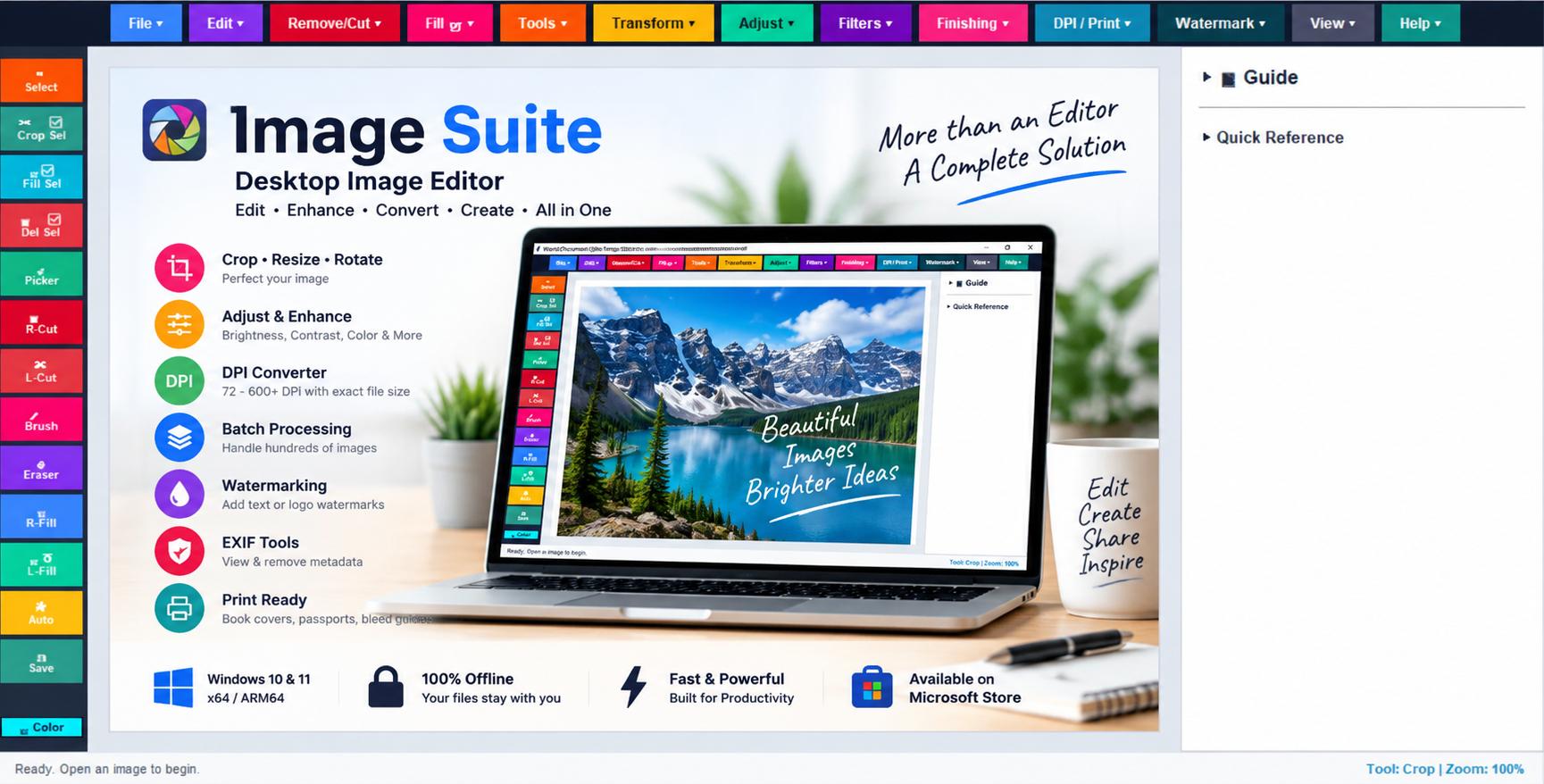
Image Suite Desktop Editor
Offline Local Processing
Edit, optimize, and export images entirely on your local device with complete privacy and no cloud dependency.
Advanced DPI & Print Tools
Convert images to custom DPI values, enforce exact KB targets, create print-ready layouts, and use book cover or passport presets.
Batch Processing Engine
Batch convert, resize, compress, and optimize hundreds of images in a single operation.
Complete Editing Suite
Crop, rotate, resize, flip, draw, erase, fill regions, apply filters, and perform advanced image enhancements.
Watermark & Branding
Protect your images using text watermarks and PNG logo overlays for professional branding.
Metadata & Privacy
Inspect EXIF information, remove metadata, and prepare images safely for sharing or publishing.
Product Overview
Image Suite is a powerful offline desktop image editor built for professionals, students, publishers, photographers, and business users. It combines image editing, DPI conversion, exact file-size optimization, batch processing, watermarking, metadata management, and print-layout preparation into a single Windows application.
Unlike cloud-based editors, Image Suite performs all operations locally on your computer, delivering faster performance, greater privacy, and complete control over your files.
Key Capabilities
- Advanced Image Editing: Crop, rotate, resize, flip, mirror, freehand selection, lasso tools, brush drawing, erasing, and color picking.
- Professional Adjustments: Brightness, contrast, saturation, hue rotation, vibrance enhancement, temperature control, levels correction, and auto-enhancement.
- Filters & Effects: Sharpen, blur, denoise, grayscale, sepia, vignette, borders, and color inversion effects.
- DPI & Size Optimization: Convert images to specific DPI requirements while achieving strict file-size targets for portals, printing, and documentation.
- Batch Processing: Process multiple files simultaneously with format conversion, DPI adjustment, resizing, and compression.
- Print & Publishing Support: Bleed guides, safe margins, barcode zones, canvas padding, and print-ready layouts.
- Watermarking: Add text or logo watermarks for copyright protection and brand visibility.
- Supported Formats: JPEG, PNG, WEBP, BMP, and TIFF import/export support.
- Privacy First: All image processing remains on your computer with no cloud uploads or third-party tracking.
Ideal For
✔ Authors & Publishers
✔ Passport & Visa Photo Processing
✔ Students & Academic Submissions
✔ Graphic Designers
✔ Photographers
✔ Business Documentation Teams
✔ Digital Marketing Professionals
System Requirements
Operating System: Windows 10 Version 17763.0 or later, Windows 11
Architecture: x64 and ARM64 Supported
Internet Connection: Required only for Microsoft Store installation. All editing features work offline.