
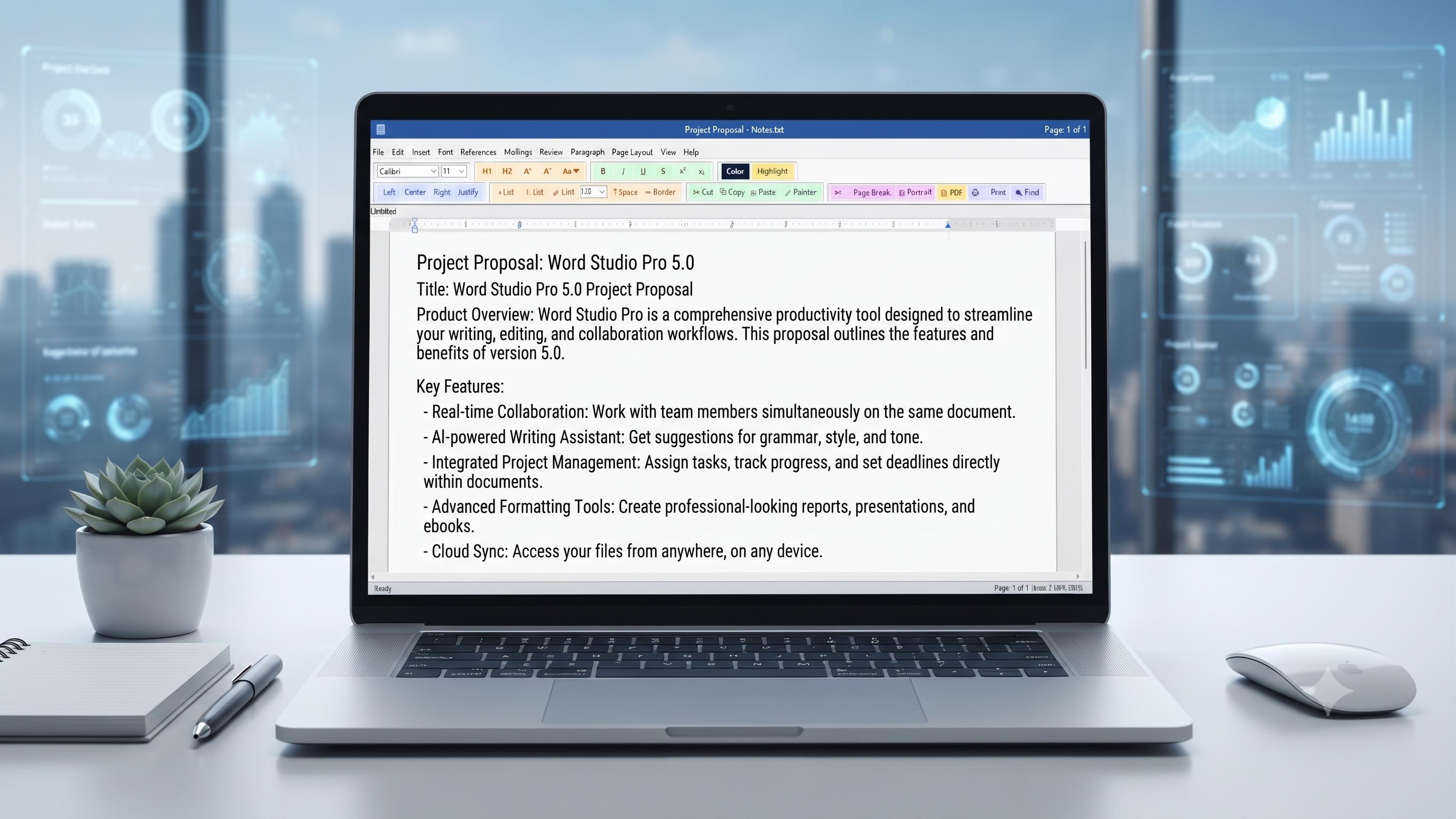
Doceditor Desktop App
Multi-Format Support
Seamlessly open, edit, and save standard Microsoft Word (.docx) and plain text (.txt) documents.
Rich Text Formatting
Customize typography with adjustable font families, font sizes, bold, italic, underline, custom colors, and text highlighting.
Auto-Recovery & Drafts
Protect your workflow with automatic draft backups and quick access to recently managed files.
Built-in Search & Sidebar
Instantly find text occurrences across multi-page layouts using the integrated sidebar navigation tools.
Comfortable Dark Mode
Toggle effortlessly between crisp light mode and eye-friendly dark mode for low-light writing sessions.
100% Offline Privacy
Operates completely locally on your device with zero cloud dependency, telemetry, or data tracking.
Product Overview
Doceditor is a lightweight, intuitive, and modern desktop document editor built for effortless text creation, local file management, and seamless .docx and .txt handling. Designed with a clean, distraction-free interface inspired by professional productivity suites, Doceditor lets you jump straight into writing without heavy bloat or complex menus.
Whether you are drafting notes, writing documentation, or organizing stories, Doceditor provides all the essential tools you need right at your fingertips with lightning-fast local performance.
Key Capabilities
- Multi-Format Support: Open, edit, and save standard Microsoft Word (.docx) and plain text (.txt) documents.
- Rich Typography & Styling: Full control over font families, sizes, bold, italic, underline, strikethrough, superscript, and subscript.
- Flexible Alignment & Spacing: Quick one-click alignment options (Left, Center, Right, Justified) and custom line spacing configuration.
- Page Layout Management: Switch between Portrait and Landscape modes and select paper size presets (Letter, A4, Legal, etc.).
- Find & Replace Sidebar: Search strings across pages with matching controls and active highlight counters.
- Word Count & Analytics: Real-time word count, character tracker, paragraph statistics, and estimated reading time calculations.
- Interactive Spell-Checking: Scan spelling issues locally using customizable dictionaries and suggestion tools.
- Media & Hyperlinks: Insert local pictures and embed clickable hyperlinks with web browser integration.
- Print Integration: Native OS print dialog integration for instant document output.
System Requirements
Operating System: Windows 10 Version 17763.0 or later, Windows 11
Architecture: x64 and ARM64 Supported
Internet Connection: Required only for Microsoft Store installation. All editing features work completely offline.